
BioFlash
Facial recognition and digital travel credentials, verified without the traveller touching anything.
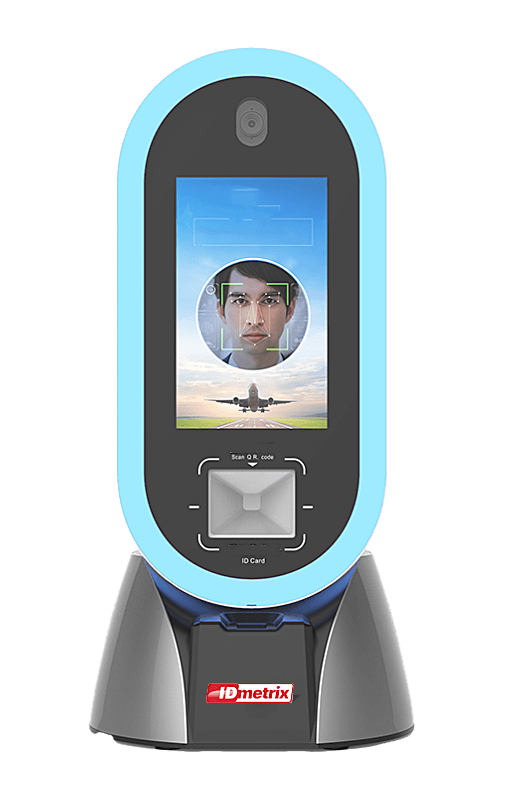
BioFlash combines facial recognition with the reading of digital travel ID codes, so a person can be authenticated contactlessly and the result returned at once. It serves a border check, an access control point or any other place an identity has to be confirmed quickly and reliably, and it can be upgraded with fingerprint scanning and ID card reading when the deployment calls for more.
What it does
Facial recognition
The face is captured and matched at the point of control, with no contact and no document handling.
Digital travel credentials
Digital travel ID codes are scanned and read, so a credential held on a phone is accepted like a document.
Upgradeable capture
Fingerprint scanning and ID card reading can be added, so one device covers more of the checkpoint as requirements grow.
Access management
Beyond the border, the same unit serves security access control wherever entry has to be tied to a verified identity.
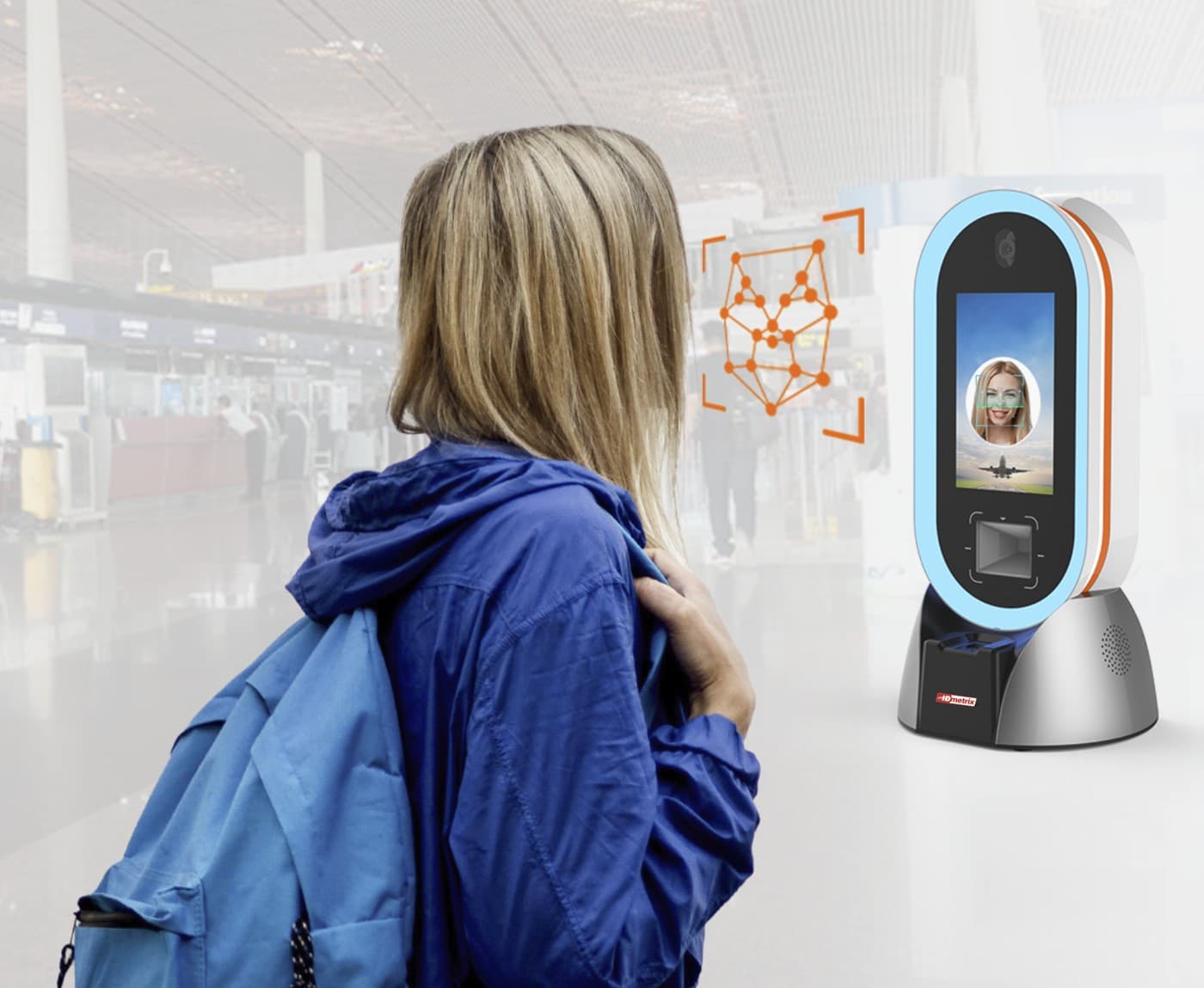
The traveller is recognised before they reach the desk
The unit stands where people already walk — a terminal, a gate, an entrance — and captures the face at a distance, so the check happens while the traveller is still approaching rather than after they have stopped.
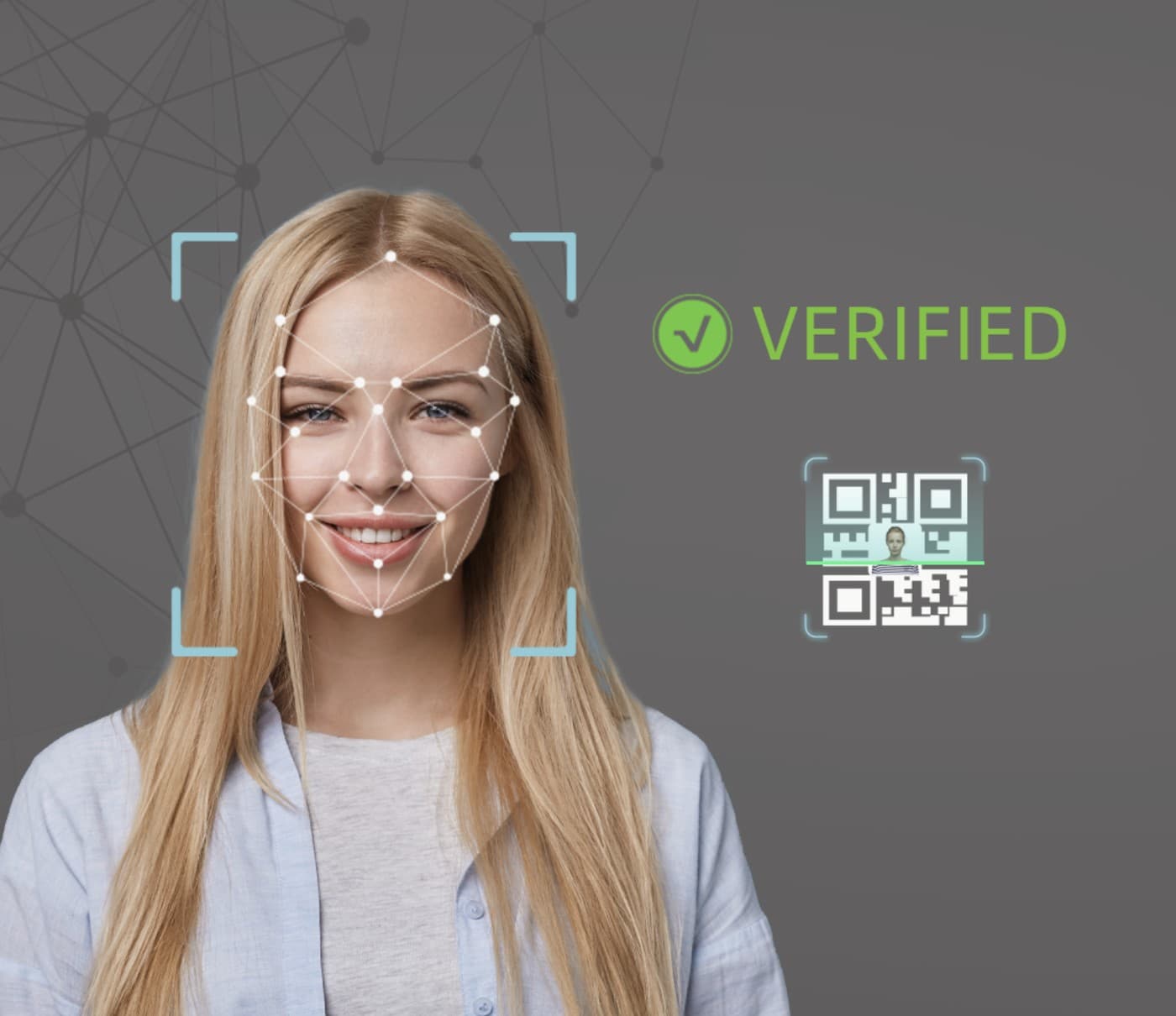
The face, or the code on the phone
Facial recognition confirms the person, and a digital travel ID code is scanned from a phone when one is carried — either way nothing is handed over and nothing is touched.
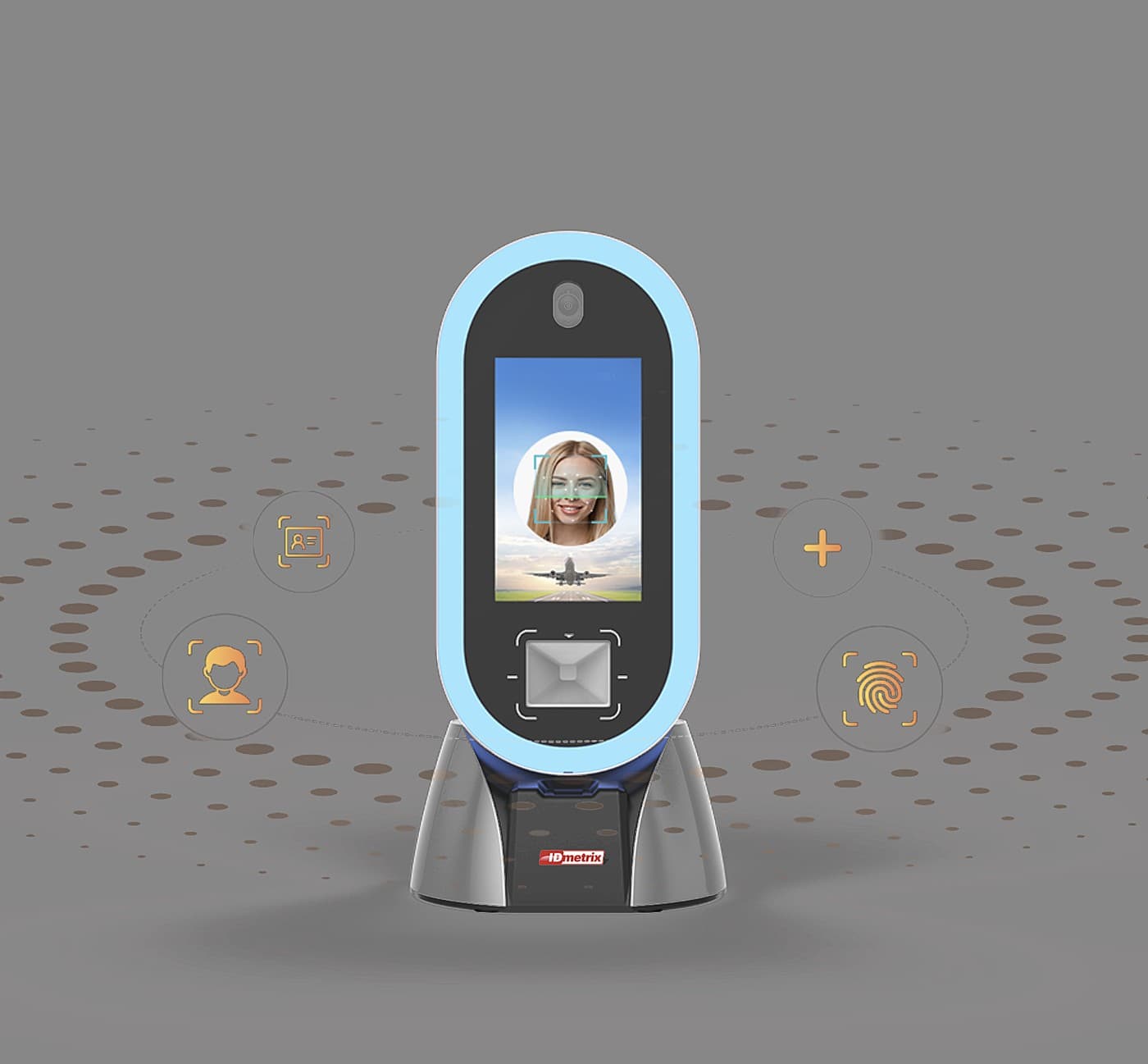
Face, document and fingerprint, as the deployment needs
Facial recognition is the base; ID card reading and fingerprint scanning can be added to the same unit, so one device covers more of the checkpoint as requirements grow.
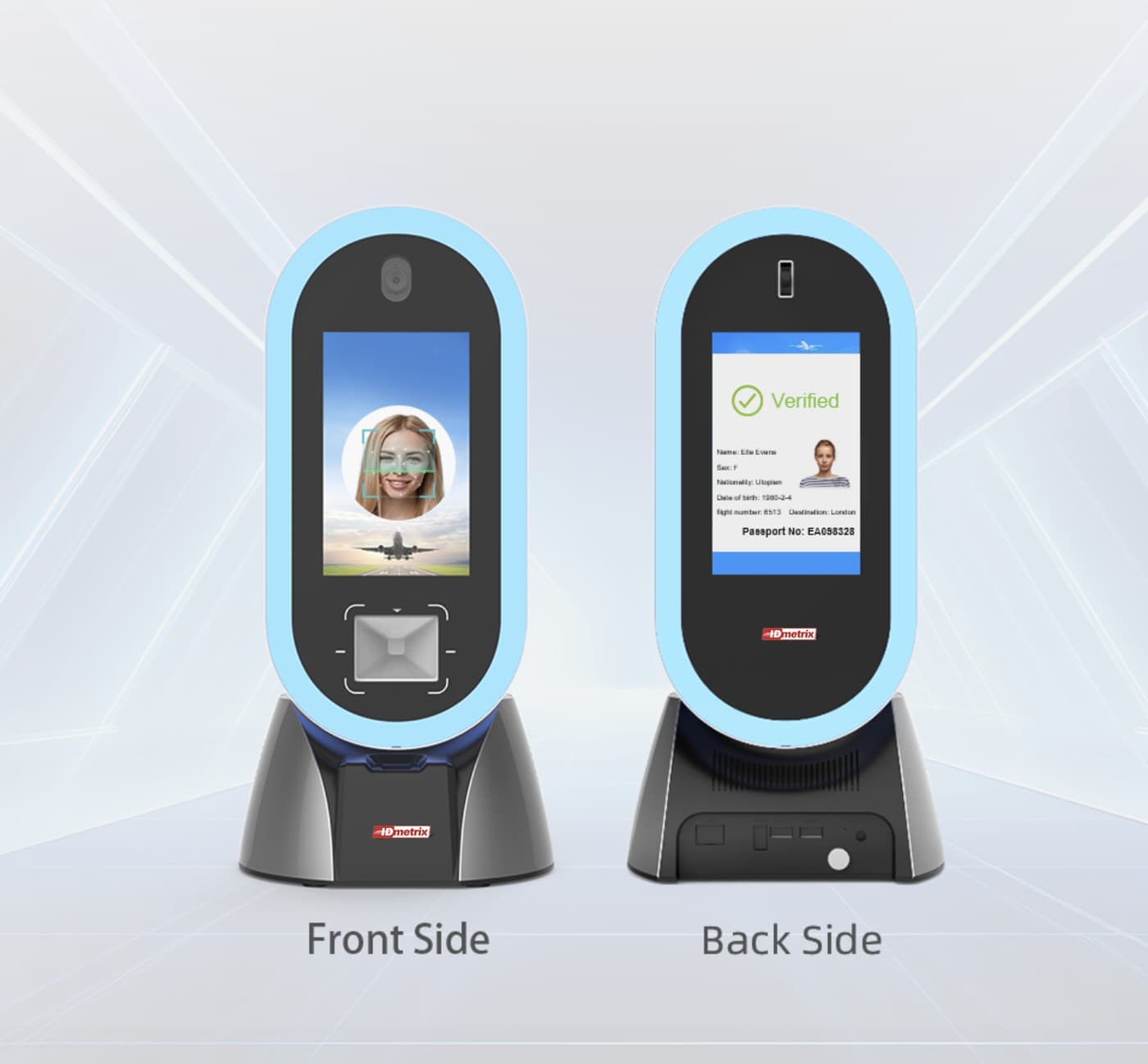
One face for the traveller, one for the officer
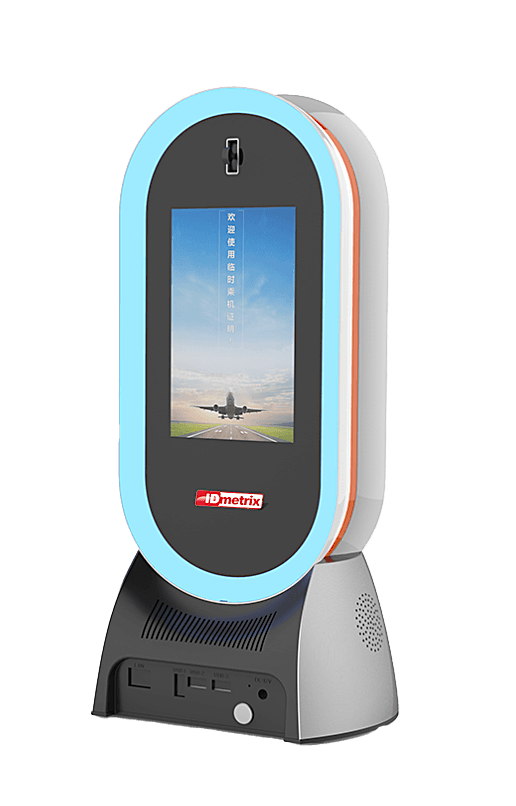
The front guides the person being verified; the back shows the result of the check — verified, with the record behind it — to whoever is supervising the lane.
Interested in this system?
Tell us about your issuance program and we will advise on the right configuration.
Get in Touch